Warehouse Security Checklist: Walk Your Site Before You Ask for a Quote
A warehouse security checklist should walk you from the boundary inwards: yard, docks, floor and office, then the staff who open up and the systems already on the wall. The Queensland Police Service suggests starting outside your business and working in when you review its security. Write down what you find and photograph it, because those notes become the brief an installer can quote from.
This list covers theft and break-ins. Use a separate list for forklift and racking safety.
How to use this checklist: walk it twice and take photos
Print this page, walk the site once by day and once after dark, and write notes against each row. The order comes from the Queensland Police Service Business Security Guide, which splits a review into six layers for most businesses. That guide is written for businesses in general. The warehouse wording below is ours, so add anything specific to your site.
| Police guide layer | What it covers | Where it sits on this walk |
|---|---|---|
| External perimeter | Vehicle and pedestrian access, grounds, car park, external structures | Boundary and yard |
| External walls and access | Doors, windows, roof, access points | Docks and roller doors |
| Internal walls | Entry and exit points, visibility, surveillance | Warehouse floor |
| Interior public and private areas | CCTV cameras, alarms, mirrors, staff monitoring | Warehouse floor and office |
| Property | Cash, items of value, property identification records | High-value stock and office |
| People | Personal safety, security behaviours, training | Opening and closing |

Before you walk: who installed what, who holds the codes, and who gets the alarm call
Answer these questions at your desk first, because they tell you whether the system on the wall is one you can actually use. On a new or inherited site, some answers may be missing. Write that down too, since a gap is a finding.
| Question | Where to look | Write down |
|---|---|---|
| Who installed it and who services it now? | Keypad stickers, service reports, invoices, old emails | Company name, contact person, phone number, last service date |
| Who holds the alarm codes? | Current staff, the last occupant, the landlord, the agent | Each person with a code, and anyone who’s left |
| Who holds keys and fobs? | Your key register, if there is one | Each key or fob and who has it |
| Is it still monitored? | Monitoring contract or bank records | Monitoring company and whether the account is open |
| Who gets the call when it goes off? | The monitoring company’s contact list | Each name and number, and whether they still work here |
| Who owns the equipment? | Lease and handover papers | Yours, the landlord’s, rented, or unknown |
The Queensland Police Service suggests a staff key holder register that’s kept up to date, and says to consider giving it to police. The contact list deserves the same care. Under the national police alarm guideline (version 3.0, 2019), a request for assistance alarm, such as a pendant, is classed as unresolved if the monitoring centre can’t reach the site or the listed contact. Unresolved events aren’t passed to police. The guideline is a baseline that states and territories can add to, so ask your monitoring provider how it works here.
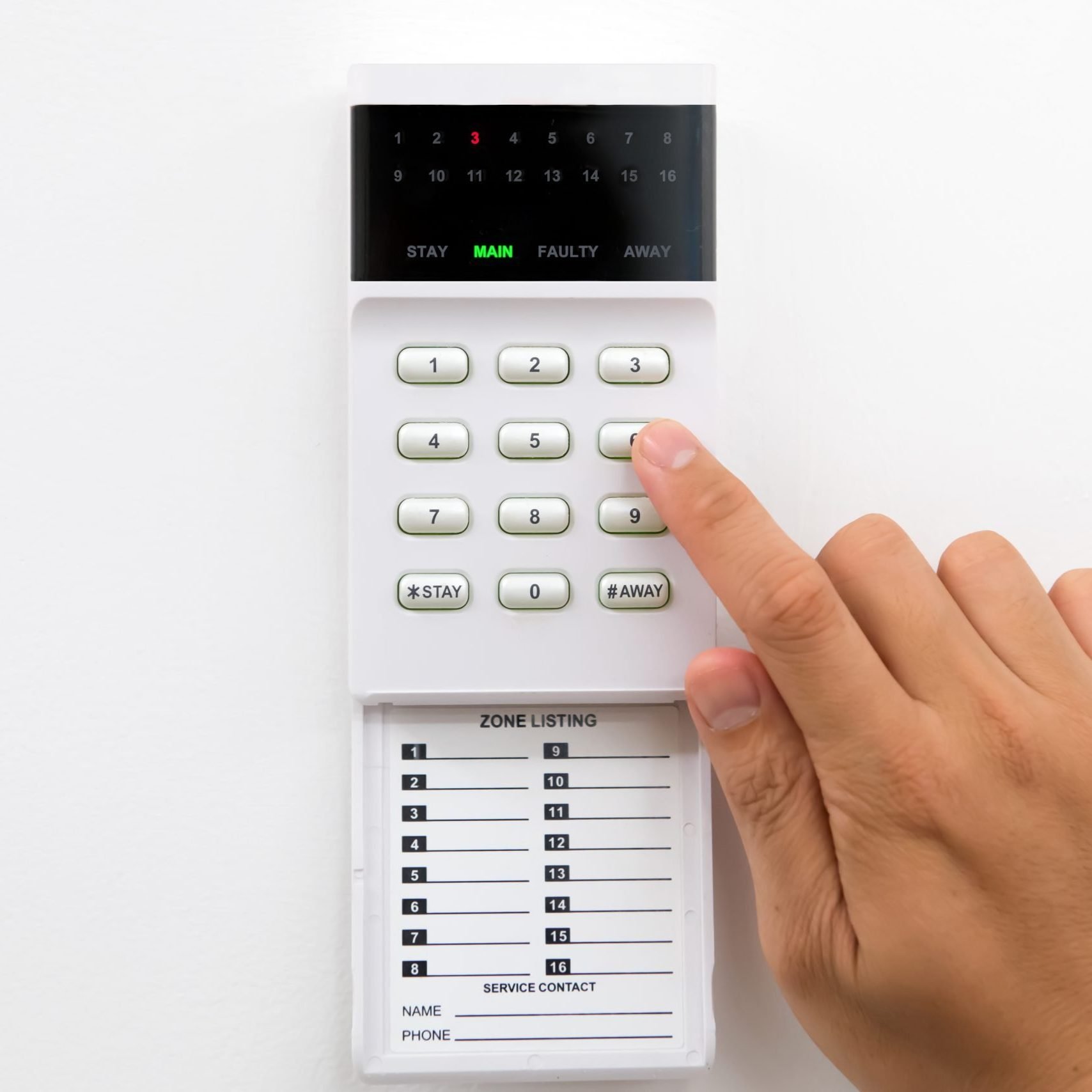
If the old installer has closed or stopped answering, our guide to taking over an existing alarm system covers the next steps.
Boundary and yard: can someone get in without being seen?
The yard check comes down to whether a person or vehicle could get close to the building unseen. One of the police guide’s key principles is to make it easy for an offender to be seen. Go through each row and note the exact spot, so an installer can find it on your plan.
| Check | Note for your plan |
|---|---|
| Can emergency services identify the business from the street? | Missing signs or street number |
| Is vehicle access controlled during business hours and after? | Each gate, who can open it, when it’s left open |
| Are there clear sightlines from outside, for passers-by and cameras? | Where trailers, stacked pallets or fences block the view |
| Are trees and shrubs trimmed back? | Places someone could hide |
| Is there good lighting at night? | Dark corners, from your night walk |
| Are outside areas clear of heavy objects and rubbish bins that could be thrown at windows? | Anything that could be thrown or used to climb |
| Are your security rules signed, such as staff-only areas, CCTV and alarms? | Where signs are missing or faded |
| Is the fence whole? | Gaps, damage, things stacked against it |
| Does a camera or sensor cover the yard? | Yes, no or don’t know, for each area |

Docks and roller doors: check every way in, including the roof
Count every way into the building and check each one on its own. The police guide names the roof, access holes and roller doors as access points to check. Give each door a number that you’ll use in your notes and in your quote brief.
| Check | Note for your plan |
|---|---|
| Are external doors and frames solid, with adequate locks? | Door number and any damage |
| Are roller doors secure when they’re down? | Door number and how it’s locked |
| Are the roof and access holes secure? | Each access point you can see from the ground |
| Are windows protected with locks, grills, screens or film? | Each window that’s unprotected |
| Does an alarm sensor cover each door? | Yes, no or don’t know, for each door |
| Can a camera see each dock? | Yes, no or don’t know, for each dock |
| Who checks each door at closing time? | Name or role |
Look at the docks from your staff’s point of view as well. Queensland’s crime prevention design guidelines describe entrapment spots as small spaces usually shielded on three sides, which may help an offender confront someone, and they list loading zones as an example. Business Queensland also says to make sure pedestrian entrances and exits are well lit and covered by security cameras.
Warehouse floor and high-value stock: mark what would hurt most to lose
Mark the stock that would hurt most to lose, then check how it’s secured during business hours and after. Business Queensland lists theft as both internal and external, so think about staff, drivers and visitors as well as break-ins.
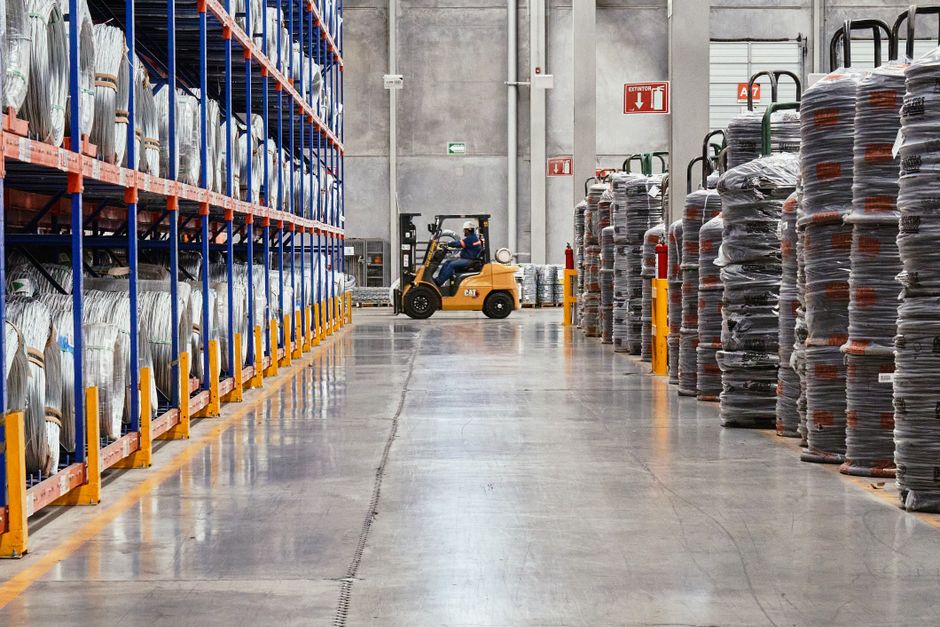
- Is valuable stock secured during and after business hours?
- Would a locked cage or cabinet suit the smallest, most valuable items?
- Have you recorded identifying details of property and assets, and marked them where you can?
- Does stock block sightlines into work areas?
- Can you monitor activity on the floor during opening hours, with cameras or clear sightlines?
- Can you detect activity after hours, with cameras, the alarm system or lighting?
- Has racking moved since the cameras and sensors went in?
- Where can drivers and contractors walk without a staff member?
Office, dispatch and server cupboard: lock up what controls the rest
Treat the office as its own area, because it may hold keys, records, computers and the recorder for your cameras. If someone reaches that room, they may reach everything else too.
| Check | Note for your plan |
|---|---|
| Is any safe securely anchored, with access limited to key staff? | Where it is and who can open it |
| Do safe codes get changed regularly, and is cash kept to a minimum? | Date of the last code change |
| Is staff access to computers and devices limited, and are passwords changed regularly? | Shared logins |
| Do portable computers have tracking software? | Yes, no or don’t know |
| Where’s the camera recorder, and could a visitor reach it? | Room and whether it’s locked |
| Do cameras record to an offsite internet address, and do they get regular maintenance? | Both questions come from the police guide |
| Is the cupboard holding the alarm panel and network gear locked? | Who has that key |
Opening and closing: staff on their own need a way to call for help
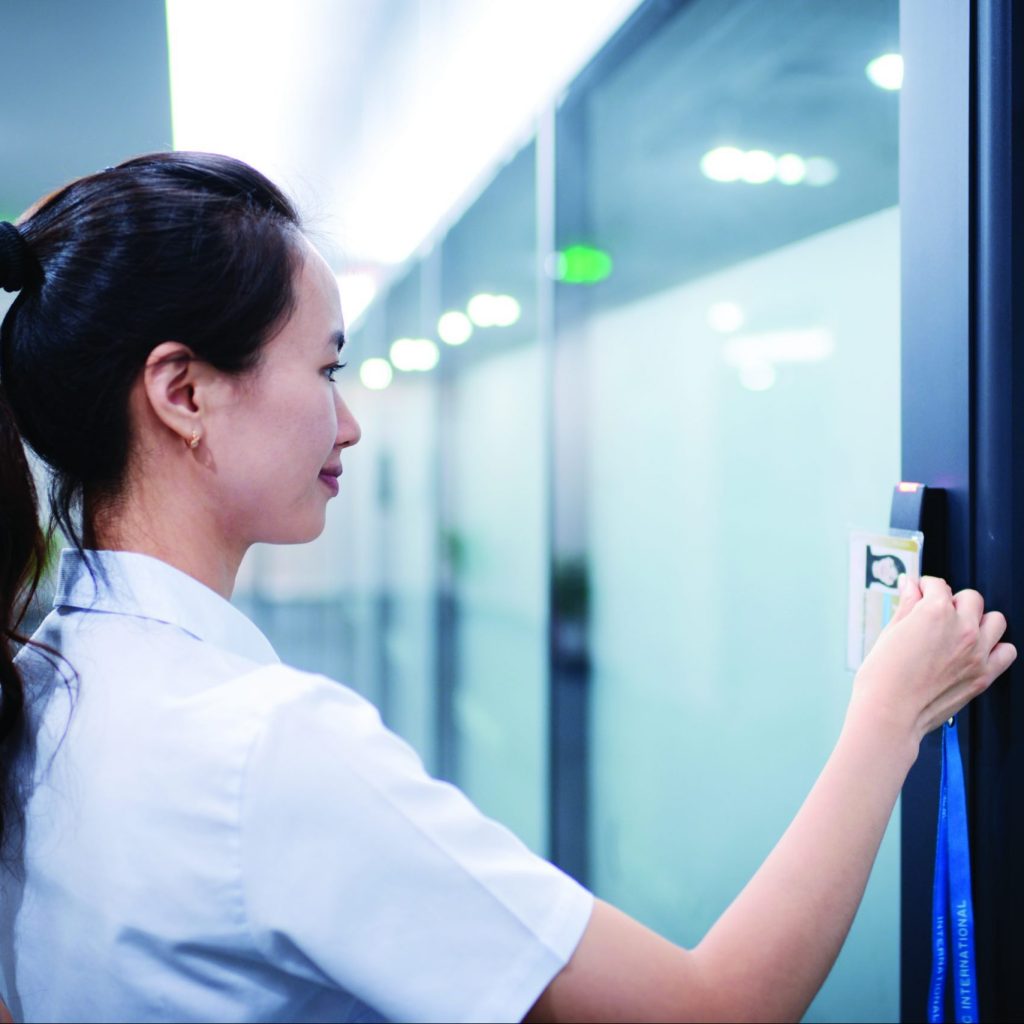
Staff who open or close alone need a dependable way to call for help. Queensland’s Work Health and Safety Regulation 2011, section 48, says a business must manage the risks of remote or isolated work, and provide a system of work that includes effective communication with the worker. It defines that work as isolated from help “because of location, time or the nature of the work.” As we read it, that can reach one person locking up a warehouse at night. The section doesn’t name a device.
Safe Work Australia, which writes the national model laws, says to consider how long someone works alone, the time of day, the communication tools available and access to emergency services. It gives duress alarms as one example.
| Check | Note for your plan |
|---|---|
| Who’s on site alone, and at what times? | Names or roles, and the hours |
| How would they call for help from the back aisle, the dock or the car park? | Try it from each spot, and note where it fails |
| Who notices if they don’t check in? | Name or role, and what that person does next |
| Are they trained on the alarm and cameras? | Who’s had training, and who hasn’t |
| Do they know to stay out and ring Triple Zero (000) if a crime is happening now? | Whether it’s written in your procedures |
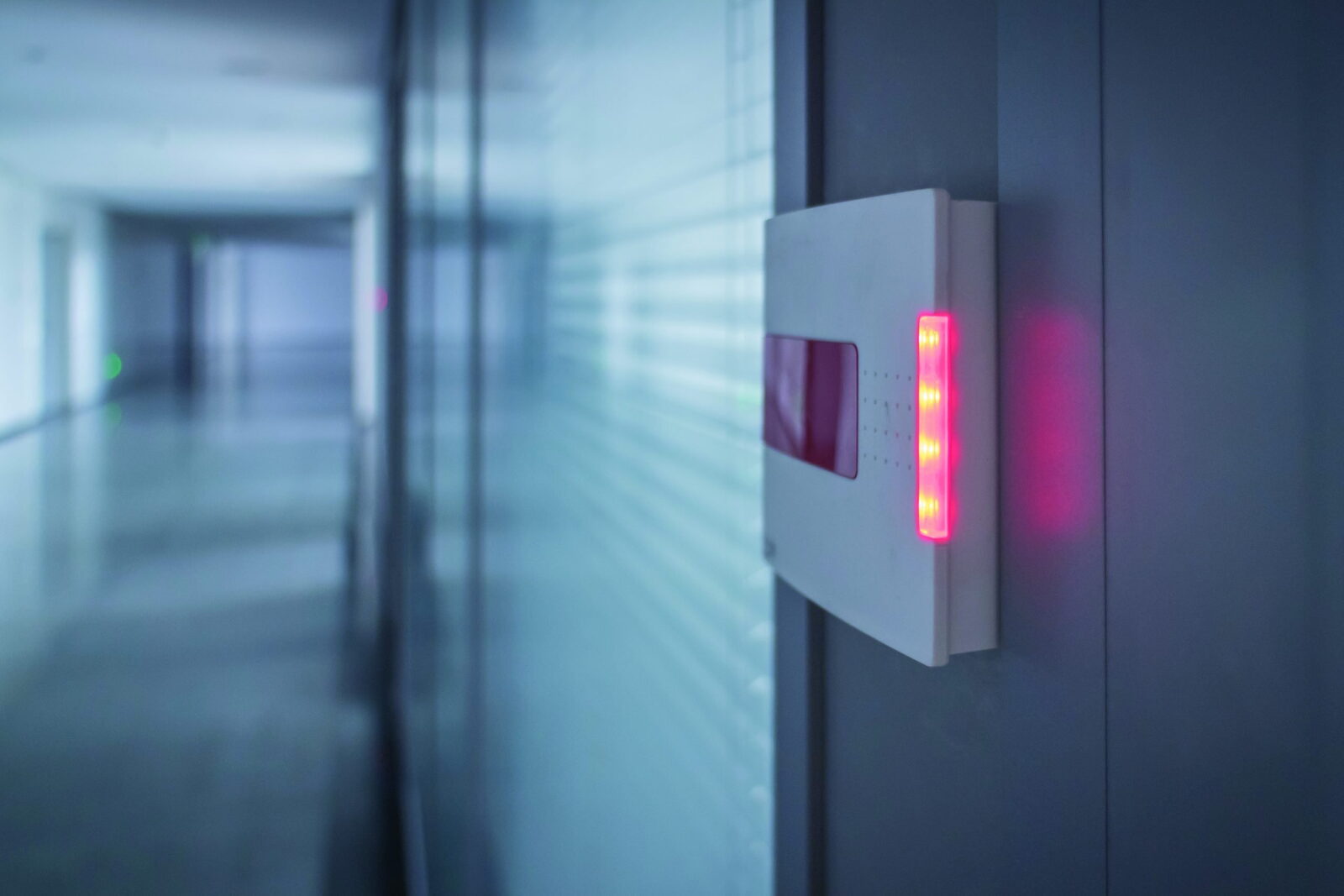
Our guide to how duress alarms work covers fixed buttons and carried devices. This is general information. For what your site must do, get advice from Workplace Health and Safety Queensland or a lawyer.
Existing systems: record what’s there and leave the panel closed
Record what each system is and whether it seems to work, and leave the covers on. Anything wired to mains power is a job for a licensed electrician, and opening or changing the security equipment is a job for a licensed security technician.
| Item | What you can safely check | Leave for the technician |
|---|---|---|
| Alarm panel and keypads | Photograph each keypad, any fault light and any brand name | Opening the panel or changing settings |
| Sensors and sirens | Mark them on your plan and note anything blocking them | Moving, adding or replacing them |
| Communicator (the part that sends alarm signals out) | Ask your monitoring company how the signal leaves the site | Replacing or reprogramming it |
| Cameras and recorder | Play back yesterday’s footage of a dock and see if you could identify a person or vehicle | Re-aiming high cameras or replacing the recorder |
| Logins | List who holds the admin login for cameras and access control | Resetting a login nobody holds |
Ask about the network on older systems. Australia’s 3G networks have been switched off, and the federal communications department says some security systems that relied on them lost functionality. Telstra’s closure notice lists fire or security alarms among the devices affected. The Queensland Police Service says to test your alarm regularly, so agree a test with your monitoring company and confirm the signal arrives.
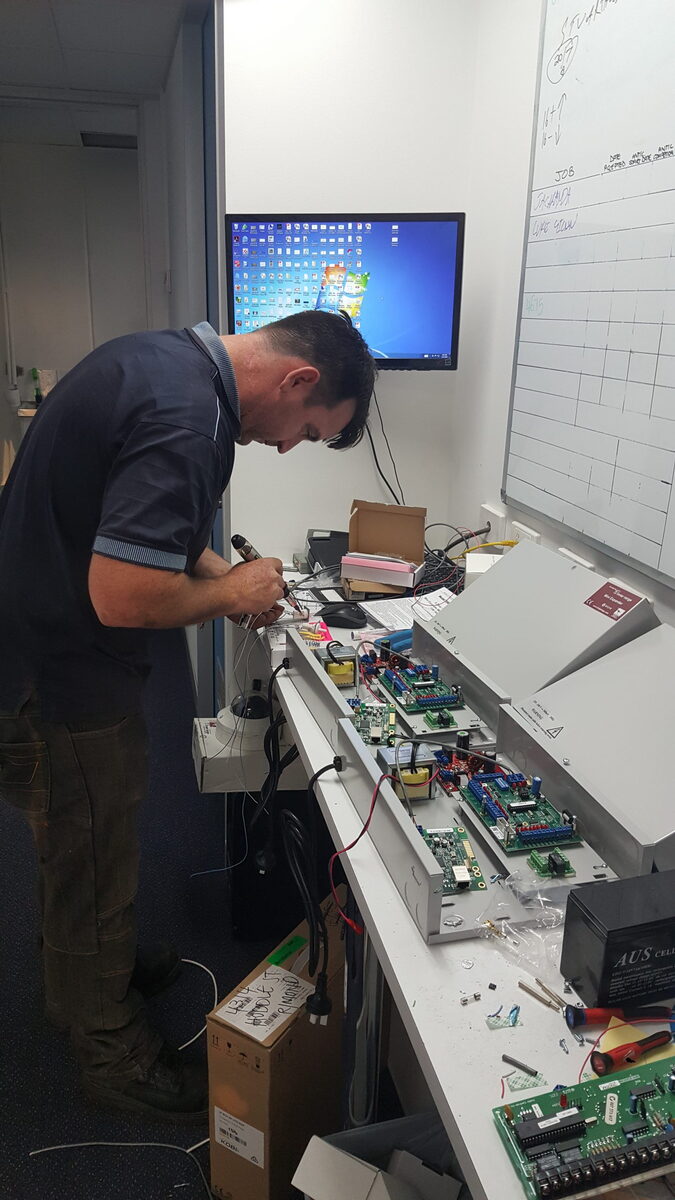
In Queensland, someone who installs, repairs, services or maintains security equipment for reward is a security equipment installer and needs the right licence, with exceptions such as an employee working on their employer’s own equipment. You can search the state’s public licence register for free. For cameras, our guides to analogue and digital CCTV and commercial CCTV resolution can help, and maintaining your security systems covers upkeep.
Day walk and night walk: do both, because the risks differ
Do both walks, because the same site has different weak points at different hours. The police guide separates offences more likely during opening hours from those more likely after hours, and it points each one to different layers.
| During opening hours | After hours | |
|---|---|---|
| Offences the police guide names | Theft, fraud, assault | Burglary, wilful damage |
| Layers the guide says may need work | Detection inside, access to property, staff safety | Vehicle access, exterior security, detection |
| What to look for on your walk | Who walks in without being stopped, docks left open, valuable stock near a door | Dark corners, gates left open, lights that don’t come on, areas left unarmed |
Queensland’s crime prevention design guidelines say a focus for industrial areas should be the change in use from day to night, and the problems that can occur after hours when activity drops away. Take a second person on the night walk.

For scale, Queensland recorded 14,676 unlawful entry offences at premises other than homes and shops in 2024-25, down 7.7% on the year before. That’s a statewide count across all those premises, so it isn’t a warehouse or Brisbane figure.
Turn your notes into a quote brief
A useful quote brief lists each area, what’s there now, what worries you and what you want priced. Give the same brief to each company, so you’re comparing the same job.
| Part of the brief | What to include |
|---|---|
| Site | Address, trading hours, shifts, and your plan with gates, doors and docks numbered |
| Worries | Your walk notes, ranked from most to least concerning |
| What’s there now | Photos, brand names, installer, monitoring company, and what you couldn’t find out |
| People | Who opens and closes alone, who holds keys and codes, who should get the alarm call |
| What you want | New system, takeover, repair, upgrade or monitoring |
| What each quote should itemise | Equipment by area, what’s reused or replaced, monitoring, servicing and staff training |

Your walk doesn’t replace the installer’s own look at the risk. Business Queensland tells businesses to conduct a risk assessment to help identify security risks. New Zealand’s Building CodeHub summary of AS/NZS 2201.1:2007, the intruder alarm standard shared by both countries, says it sets minimum requirements but doesn’t specify the extent or degree of protection to provide. We haven’t read the standard itself, so we’re relying on that summary. That leaves you and the company quoting to settle how much protection each area needs. Ask each company how they’d assess the risk and whether you’ll get a copy.
If you want monitoring, ask for the centre’s grade too. SPAAL, an industry body, says Grade A is the highest building standard under AS 2201.2 and Grade 1 the highest performance standard.
Access Alarms has been in business since December 2006 and is based in Eagle Farm. We design, install and support security for warehouses, factories and other commercial sites.
Next steps
- Budgeting for the work? Read what drives commercial security system cost.
- Ready to talk about your site? See warehouse security.

Frequently asked questions
What is the difference between a warehouse safety checklist and a security checklist?
A safety checklist looks for things at work that could hurt people, such as racking and equipment. A security checklist looks for ways someone could get in, take stock or threaten staff. The two overlap where people work alone, because Queensland’s rule on isolated work sits in work health and safety law. Run them as separate walks so neither gets rushed.
How often should we repeat the walk?
The Queensland Police Service suggests regular business security audits, but its business security sheet doesn’t set a number, so pick a date and put it in the diary. We’d also repeat the walk after a move, a re-rack, a break-in or a key staff member leaving. Those changes can leave a camera or sensor covering the wrong spot.
Should we walk the site at night as well as during the day?
Yes, if you can do it safely. Queensland’s design guidelines say industrial estates built around vehicles raise questions of safety, especially after hours. Go with a second person, and tell your monitoring company first if you might set anything off. You’re looking for what daylight hides, such as lights that don’t work and corners nobody could see into.

How many cameras and sensors does a warehouse need?
We can’t give you a count from floor area alone, because it depends on your doors, docks, stock and hours. A published summary of the intruder alarm standard says it doesn’t specify the extent of protection, so the count comes from assessing your site. Your marked-up plan gives each company the same starting point, which makes their quotes easier to compare.
We inherited a panel and nobody has the codes. What now?
Don’t force it or open the panel. Photograph the keypad and any sticker, then ask the last occupant, the landlord or agent, and any monitoring company on record. Access Alarms covers Brisbane and South East Queensland, and in most cases can service, repair and upgrade systems other companies installed. Call 1300 049 969 and tell us what panel you have.

Does the checklist replace an installer’s risk assessment?
No. Think of it as your half of the job, because you know the site, the stock, the hours and who’s on shift. It gives the installer a starting point for their own assessment, and they still have to choose and place the equipment. Ask to see how your notes were used, and get professional advice if an insurer or contract sets a specific requirement.
What does Queensland expect for staff working alone in a warehouse?
Section 48 of Queensland’s work health and safety regulation applies where work is isolated from help by location, time or the nature of the work. It asks for managed risks and effective communication, and it doesn’t name a device. Safe Work Australia gives duress alarms as one example. For your own site, get advice from Workplace Health and Safety Queensland or a lawyer.
Sources
- Business Security Guide, 2023. Queensland Police Service. police.qld.gov.au. Accessed 5 November 2026.
- Business security information sheet, 2021. Queensland Police Service. police.qld.gov.au. Accessed 5 November 2026.
- Crime Prevention Through Environmental Design: Guidelines for Queensland, 2021. Queensland Police Service. police.qld.gov.au. Accessed 5 November 2026.
- Business crime prevention and premises security. Business Queensland. business.qld.gov.au. Accessed 5 November 2026.
- Work Health and Safety Regulation 2011, section 48. Queensland Government. legislation.qld.gov.au. Accessed 5 November 2026.
- Remote and isolated work: managing risks. Safe Work Australia. safeworkaustralia.gov.au. Accessed 5 November 2026.
- Security Providers Act 1993, sections 6B and 9. Queensland Government. legislation.qld.gov.au. Accessed 5 November 2026.
- Check a security licence. Queensland Government. qld.gov.au. Accessed 5 November 2026.
- DDIY: Don’t Do It Yourself. Electrical Safety Office, Queensland Government. electricalsafety.qld.gov.au. Accessed 5 November 2026.
- National Police Alarm Activation Response Guidelines, version 3.0, 25 November 2019. National Emergency Communications Working Group, Australia and New Zealand, copy hosted by My Security Marketplace. mysecuritymarketplace.com. Accessed 5 November 2026.
- 3G network switch off. Department of Infrastructure, Transport, Regional Development, Communications, Sport and the Arts. infrastructure.gov.au. Accessed 5 November 2026.
- Telstra 3G service closure. Telstra. telstra.com.au. Accessed 5 November 2026.
- Crime report, Queensland, 2024-25. Queensland Government Statistician’s Office. qgso.qld.gov.au. Accessed 5 November 2026.
- AS/NZS 2201.1:2007 Intruder alarm systems, summary. Building CodeHub, New Zealand. codehub.building.govt.nz. Accessed 5 November 2026.
- Alarm Monitoring Centre Grading Scheme. Security Providers Association of Australia. spaal.com.au. Accessed 5 November 2026.