What Is an Access Control System? A Plain Guide for Business Owners
An access control system decides who can get through which door, and when. People use a card, fob, PIN or phone instead of a key. The system checks that credential against rules you’ve set, then releases the door or keeps it shut, and it keeps a record of the attempt.
This guide is for business owners, facility managers and strata managers in Queensland who want to know what each part does before they talk to an installer. It also covers what your doors do in a power cut or fire alarm, and the Queensland exit door rules to raise with a certifier.

What an access control system does: it controls who gets in, where and when
An access control system controls who can enter a building or area, when they can enter and under what conditions. That’s the definition from Gallagher, a security manufacturer. The main purpose, in the words of another manufacturer, Nedap, is to “control and log who is entering which area and when.”
Search for the term and you’ll also find plenty about passwords and files. The US National Institute of Standards and Technology (NIST), for one, defines it as covering access to “a controlled area or to information”. Gallagher splits the two: physical access control manages buildings and rooms, and logical access control manages networks and applications. This guide is about the physical kind, often called building access control.
Here’s an example based on Nedap’s. A staff member scans a card each morning, and it opens the building, floor and rooms they’ve been given. A contractor’s access might only run for a set timeframe. Same doors, different rules.
The parts of an access control system, door by door
Each controlled door relies on a credential, a reader, a controller and an electric lock, with management software behind them all. Gallagher lists integration with other systems as a further component, and Allegion, a door hardware manufacturer, covers the locks.
| Part | What it does | What you’ll notice |
|---|---|---|
| Credential | Proves who you are at the door | A card, fob, PIN, phone or biometric scan |
| Reader | Captures the credential and passes it to the controller | The device beside the door |
| Controller | Checks the credential against stored rules and logs the result | The part that makes the yes or no call |
| Electric lock | Holds the door or releases it, under the system’s control | An electric strike, a magnetic lock or an electrified lockset |
| Management software | Holds permissions and schedules, and produces reports | The screen your administrator uses |
| Integrations | Link access to video, intruder alarms and HR systems | Door events that show up in those other systems |
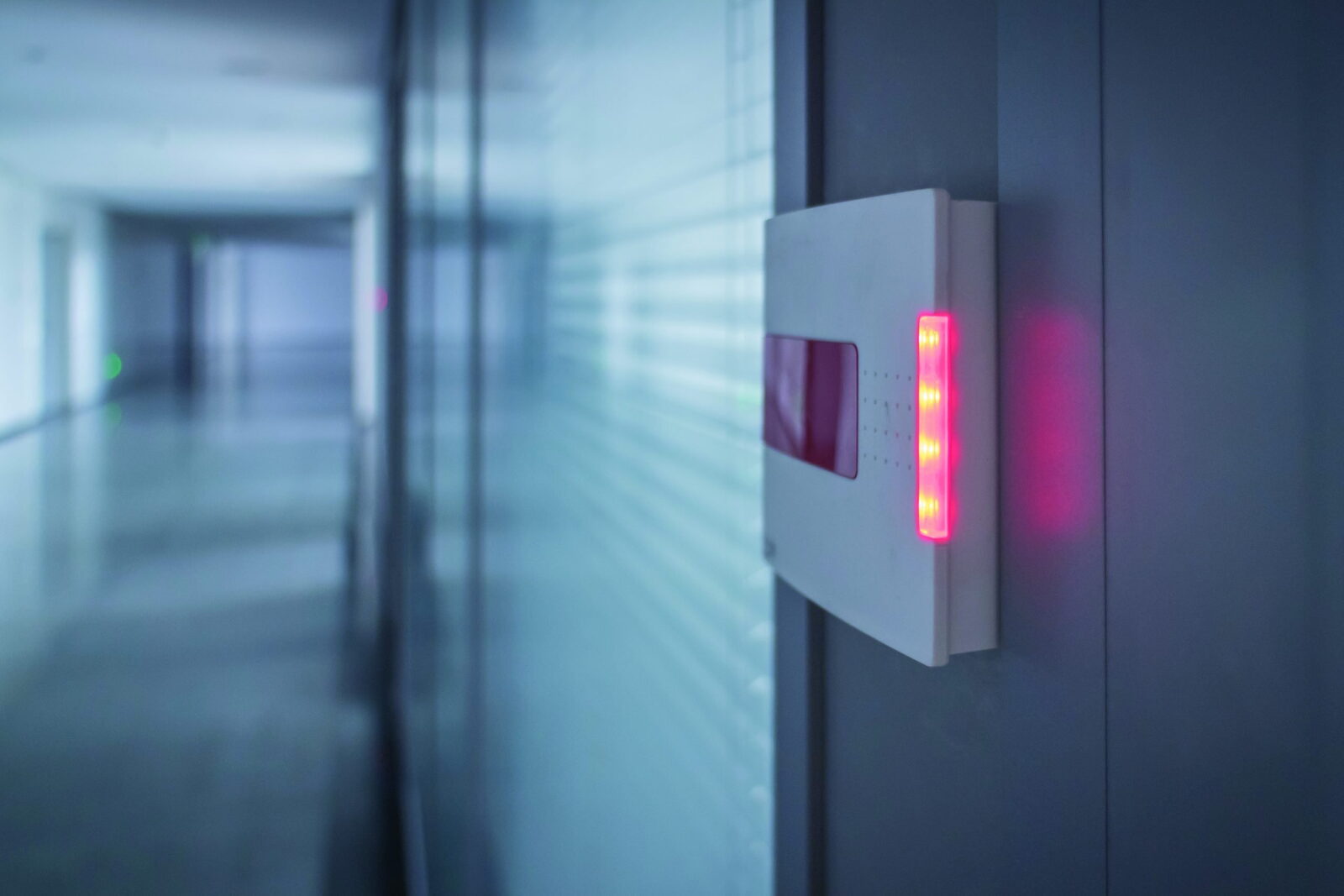
Access Alarms works with card readers, key fobs, PIN codes and smartphone access on properties of any size.
Can it work with your alarm and cameras? That depends on the products, so ask for the exact models to be checked. Gallagher describes matching a door event to camera footage, and arming an alarm zone when the last person leaves. ICT says its platform connects with cameras.
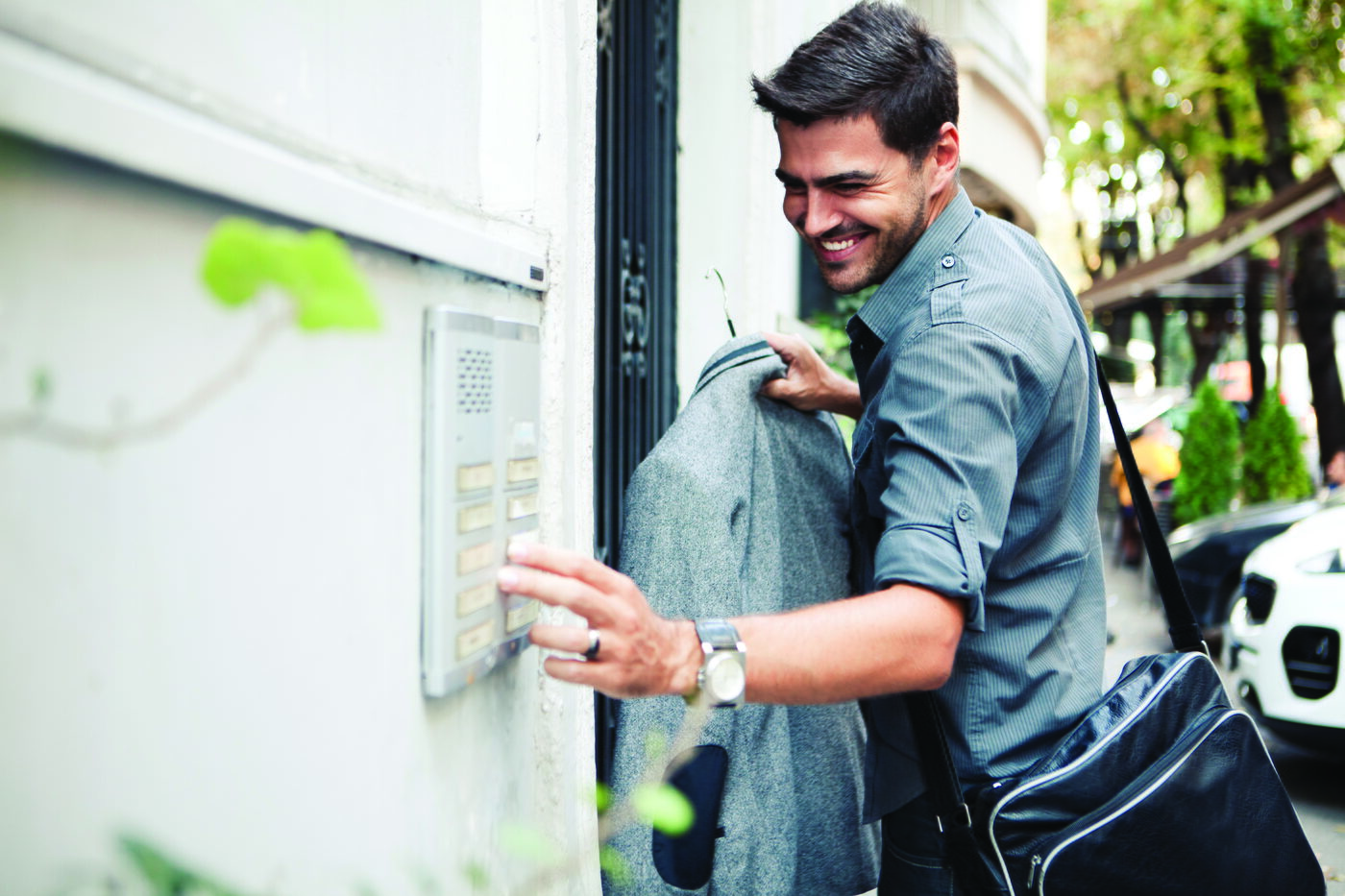
For visitors, an intercom lets someone screen them at the door before granting access.
What happens when someone taps a card: five steps
Gallagher describes the process as three stages: identification, authentication and authorisation, with access granted or denied in real time. At a real door, it’s easier to follow as five steps:
- Present. The person taps a card or fob, enters a PIN, or uses a phone or biometric scan.
- Read. The reader captures that credential and sends it to the controller.
- Check. The controller compares it with the stored rules for that person.
- Decide. Access is granted and the lock releases, or it’s denied and the door stays shut.
- Record. The controller logs the outcome, so it can show up in a report later.
Gallagher describes controllers holding these rules locally, so a door keeps working during a network outage. Don’t assume that’s true of every product. It’s a fair question for any installer: what still works at this door if the internet drops?
The four types of access control set permissions, so they won’t pick your door hardware
The four types are discretionary, mandatory, role-based and attribute-based access control. They describe how permissions get assigned, which is a question about rules. The lock on each door is a separate choice. Two questions to raise are what it does in a power cut and what the exit rules require.
| Type | Who or what decides | What it could look like at a real door |
|---|---|---|
| Discretionary (DAC) | The owner of the space or resource | A warehouse manager chooses who can open the stock cage |
| Mandatory (MAC) | A central authority, and users can’t change it | Clearance levels set centrally. NIST’s example is military security |
| Role-based (RBAC) | The person’s role | A “cleaner” role opens the common areas, and a new cleaner joins that role |
| Attribute-based (ABAC) | A mix of details, such as who, where and when | One contractor, one building, only during their job |
No type wins everywhere. Gallagher calls role-based the most common in enterprise systems, which is a manufacturer’s view of large sites. Its point is about managing large numbers of users across several sites, where a new starter just gets added to the right role. Gallagher also says mobile-based, cloud-hosted systems give small businesses the same core functions with fewer doors and a simpler interface. Again, that’s a manufacturer talking, so compare it with an on-site option.
You may also see “three types”, and guides count them in different ways. CDVI, Omnilert and iLOQ name discretionary, mandatory and role-based. Gallagher has a different three for hosting, its deployment models, shown in the table below. As one web-based example, ICT describes its Protege WX as having a built-in web server, so there’s no software to install.
| Hosting | Where it runs | Gallagher’s description |
|---|---|---|
| On-premises | Hardware and software on your site | Direct control over data and configuration |
| Cloud-based | Management hosted remotely | Faster to deploy and easier to run remotely |
| Hybrid | A mix of the two | Bridges existing equipment with the cloud |
What the system records: each access event
An access control system logs each access event, and the management software turns those logs into reports for audits or investigations.
Permissions are set in the management software. Before the system goes live, ask:
- Who gets an administrator login, and who only sees reports?
- Who can export logs, and where do exports go?
- How long will you keep the records?
- Who changes the settings when an administrator leaves?
The Office of the Australian Information Commissioner (OAIC) says biometric information, which includes features of your face and fingerprints, is sensitive information under the Privacy Act 1988. An organisation the Act covers must first ask for consent, with some exceptions, and give it a high level of privacy protection. But the Act doesn’t cover every business. Read the OAIC’s page and get legal or privacy advice.
What the doors do in a power cut depends on the lock
When a lock loses power, a fail-safe lock unlocks and a fail-secure lock stays locked on the outside, the door’s secure side. The details below are overseas manufacturers’ descriptions, from Allegion (North America) and CDVI (UK). Their code advice doesn’t apply in Queensland, so confirm the exact hardware on each door.
| Lock | With the power off | What to weigh up |
|---|---|---|
| Fail-safe | Unlocked | Allegion calls the unlocked door “an obvious security risk” |
| Fail-secure | Locked on the outside | Needs power to release from outside. Allegion says these are more common, because of security concerns |
| Electromagnetic lock | Unlocked. These only come fail-safe, as there’s no magnetic bond without power | Doesn’t give free exit the way other electrified hardware does, so it needs a release device |
| Electric strike | Depends on the model. Both versions are made | In most cases a key can still open it from the secure side |
Ask whether any door has battery backup, because a lock that still has power won’t behave as the table shows. Allegion says most electrified products, apart from electromagnetic locks, let people walk out at any time, whichever version they are. What a door does on a fire alarm depends on how that door is set up, so ask for it door by door. Our guide to electronic strike installation looks more closely at that one lock type.
Exit doors in Queensland must open from the inside without a key
Queensland’s exit door rules come from the National Construction Code and the state’s fire safety regulation. Queensland stays on NCC 2022 until NCC 2025 starts here on 1 May 2027, according to Business Queensland. The Code’s guidance says the latch rule is there to stop people being trapped during a fire. These are the rules to raise before an access control job touches an exit door:
| Topic | What the rule says, in plain words | Where it comes from |
|---|---|---|
| Latches | A door in a required exit, or on the path to one, must be readily openable without a key from the side facing the person leaving, with one hand on one device, using a downward or pushing action | NCC 2022, clause D3D26 |
| Exceptions | These include vaults, some small sole-occupancy units, and doors with a fail-safe device that unlocks automatically when a complying sprinkler system or suitable detector system installed throughout the building activates, as long as the door is readily openable once unlocked. The authority must be satisfied the device is genuinely fail-safe, including in power failures, with effectively no delay | NCC 2022, clause D3D26 and its guidance |
| Sliding doors | A power-operated sliding door in a required exit that leads directly to a road or open space must open by hand if the power fails. It must also open automatically on a power failure, or on a fire or smoke alarm in the fire compartment it serves | NCC 2022, clause D3D24 |
| Occupiers | An occupier must make sure a door on an evacuation route isn’t locked if they know, or reasonably ought to know, someone’s inside on the internal side. The maximum penalty is 30 penalty units | Building Fire Safety Regulation 2008, section 11 |
| Exit buttons | A door doesn’t count as locked if one downward or pushing action with one hand opens it from inside. Examples include a button or switch that opens the door electronically and automatically lets it open if that fails | Building Fire Safety Regulation 2008, section 10 |
| Childcare and custody | Separate locking rules apply for children in education and care premises, and for people in custody | Building Fire Safety Regulation 2008, section 12 |
This is general information, not legal or compliance advice. Before anyone changes the locks on an exit door, ask a building certifier or fire safety adviser to confirm what applies to your building, and have a licensed installer do the work.
Keys or credentials: the questions to weigh for each door
Credentials are worth a look when you can’t say who holds which key, or when you need a record of who came in. If a door has few users and needs no log, ask whether it needs to change at all.
Credentials also log each event, and schedules can limit the hours they work. What they do in a power cut depends on the lock and system, so ask.
| Question | Keys | Credentials |
|---|---|---|
| One goes missing | You may need to re-key | Cancel that one credential |
| Someone leaves | You wait for the key to come back | Switch their access off |
Who installs and looks after it in Queensland: a licensed security equipment installer
In Queensland, anyone who installs, repairs, services or maintains security equipment for reward is a security equipment installer under the Security Providers Act 1993, and that work needs a licence. The Act’s examples of security equipment include electric, electro-mechanical, magnetic or biometric access control devices.
The rule reaches the customer too. The Act says a person must not, directly or indirectly, engage someone to do this work for reward unless they hold the appropriate licence. So ask to see a current licence before you sign anything. There are exceptions, such as employees looking after their employer’s own equipment, so get legal advice if you’re unsure where you sit.
Access Alarms is a commercial security company based in Eagle Farm, operating since 2006. We design, install and service access control across Brisbane and South East Queensland, including the Brisbane CBD and Bowen Hills, and shared area access for apartment buildings. We also take on servicing and upgrades of systems other companies installed.
Next steps: work out what drives the cost, then get advice for your doors
If you’re starting to budget, read what drives the cost of a commercial security system. It covers why quotes differ and how to compare them line by line.
When you’re ready to talk about your own building, see our commercial access control page or call 1300 049 969.
Frequently asked questions
What is the difference between access control and a keypad lock?
A keypad is one way of entering a credential, so it can be part of an access control system. The system also has a controller and software holding permissions, schedules and a log. Ask if each person gets their own code and if you can see who came in.
What are the three main types of access control systems?
Guides count three in different ways. CDVI, Omnilert and iLOQ name discretionary, mandatory and role-based access control, which describe how permissions get assigned. Hosting gives a different three: on-premises, cloud-based and hybrid. Gallagher says neither on-premises nor cloud is inherently more secure, and the choice depends on compliance, data location and existing IT.
Do the doors stay locked in a power cut?
Some do and some don’t, and one building can have both. Fail-secure hardware keeps the outside locked, while fail-safe and magnetic locks let go once they lose power. People inside still need a way out, and Queensland occupiers have legal duties for evacuation route doors. Ask your installer for a door-by-door list.
Does an access control installer need a licence in Queensland?
For paid work, generally yes. The Queensland Government lists electric, electro-magnetic and biometric access control devices among the equipment a security equipment installer licence covers, and says you need a current licence to do the job. Check the Security Providers Act 1993 if your own staff look after the system.
Sources
- NCC 2022 Volume One, Part D3 Construction of exits, Australian Building Codes Board. ncc.abcb.gov.au. Accessed 5 November 2026.
- Delayed adoption of the National Construction Code 2025 in Queensland, Business Queensland. business.qld.gov.au. Accessed 5 November 2026.
- Building Fire Safety Regulation 2008, Queensland Legislation. legislation.qld.gov.au. Accessed 5 November 2026.
- Security Providers Act 1993, Queensland Legislation. legislation.qld.gov.au. Accessed 5 November 2026.
- Apply for a security equipment installer licence, Queensland Government. qld.gov.au. Accessed 5 November 2026.
- Biometric scanning, Office of the Australian Information Commissioner. oaic.gov.au. Accessed 5 November 2026.
- What Is an Access Control System?, Gallagher Security. security.gallagher.com. Accessed 5 November 2026.
- What is an Access Control System?, Nedap Security. nedapsecurity.com. Accessed 5 November 2026.
- Decoded: Fail Safe vs. Fail Secure, Allegion. allegion.ca. Accessed 5 November 2026.
- Fail safe and fail secure locking, CDVI. cdvi.co.uk. Accessed 5 November 2026.
- The 3 core types of access control, CDVI. cdvi.co.uk. Accessed 5 November 2026.
- What Are Access Control Systems?, Omnilert. omnilert.com. Accessed 5 November 2026.
- What is access control?, iLOQ. iloq.com. Accessed 5 November 2026.
- Protege WX, ICT. ict.co. Accessed 5 November 2026.
- Everything You Need to Know About Keyless Entry Systems, ICT. ict.co. Accessed 5 November 2026.
- Glossary: access control system, NIST Computer Security Resource Center. csrc.nist.gov. Accessed 5 November 2026.
- Glossary: discretionary access control, NIST Computer Security Resource Center. csrc.nist.gov. Accessed 5 November 2026.
- Glossary: mandatory access control, NIST Computer Security Resource Center. csrc.nist.gov. Accessed 5 November 2026.
- Glossary: role-based access control, NIST Computer Security Resource Center. csrc.nist.gov. Accessed 5 November 2026.
- Glossary: attribute-based access control, NIST Computer Security Resource Center. csrc.nist.gov. Accessed 5 November 2026.